> ## Documentation Index
> Fetch the complete documentation index at: https://docs-dev-actions-triggers-prototype.mintlify.site/llms.txt
> Use this file to discover all available pages before exploring further.
# ユニバーサルログインでのパスワードレス
> 本ドキュメントでは、ユニバーサルログインとパスワードレス接続に対するサポートを発表しています。
* パスワードレス接続を構成します。方法については、以下の記事をお読みください。
* [メールでのパスワードレス認証](https://auth0.com/docs/authenticate/passwordless/authentication-methods/email-otp)
* [メールマジックリンクでのパスワードレス認証](https://auth0.com/docs/authenticate/passwordless/authentication-methods/email-magic-link)
* [SMSでのパスワードレス認証](https://auth0.com/docs/authenticate/passwordless/authentication-methods/sms-otp)
ユニバーサルログインでは[パスワードレス接続](/docs/ja-jp/authenticate/passwordless)がサポートされています。これによって、ユーザーは電話番号やメールアドレスを入力してからワンタイムパスワード(OTP)を受け取り、認証を完了することができます。
## ユニバーサルログインのパスワードレスを有効にする
パスワードレス接続をサポートするようにユニバーサルログインを構成するには、サポートされるログインフローを使用するように認証プロファイルを設定し、認証中に接続を指定するようにアプリケーションを更新する必要があります。
### Identifier Firstを有効にする
Auth0 Dashboardで、[[Authentication(認証)]>[Authentication Profile(認証プロファイル)]](https://manage.auth0.com/?/authentication-profiles)に移動します。
**[Identifier First]** または **[Identifier First + Biometrics]** を選択します。
### アプリケーションを更新する
アプリケーションに対して有効にした接続タイプに応じて、ログイン中にパスワードレス接続を指定するようにアプリケーションを更新しなければならない場合があります。
| データベース接続 | パスワードレス接続 | 指定する必要 | ユーザーエクスペリエンス |
| -------- | --------- | ------ | --------------------------------- |
| 有 | SMSとメール | 有 | 指定されたパスワードレス接続がログイン中に表示されます。 |
| 無 | SMSとメール | 無 | 最初に作成されたパスワードレス接続が表示されます。 |
| 無 | SMSまたはメール | 無 | パスワードレス接続が(有効なソーシャル接続とともに)表示されます。 |
ログイン中にパスワードレス接続を指定するには、`connection`パラメーターとその値(`sms`または`email`)を[Auth0 Authentication API Loginエンドポイント](https://auth0.com/docs/api/authentication#login)に渡す必要があります。
`https://mytenant.us.auth0.com/authorize?client_id={id}&``connection={sms|email}``&scope=…&response_type=code&response_mode=query&state=…&redirect_uri=http%3A%2F%2Flocalhost%3A3000&code_challenge=…`
いずれかのSDKを使用している場合は、初期化中にパスワードレス接続を指定することができます。例:
```js lines theme={null}
auth0 = await createAuth0Client({
domain: config.domain,
client_id: config.clientId,
connection: "email"
});
auth0 = await createAuth0Client({
domain: config.domain,
client_id: config.clientId,
connection: "sms"
});
```
### 接続をテストする
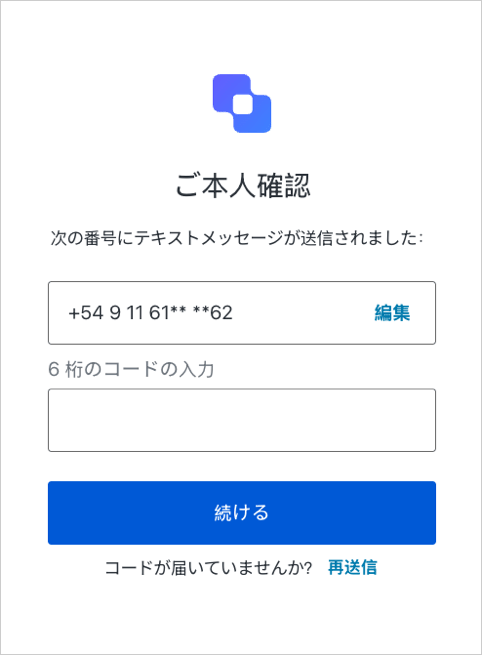
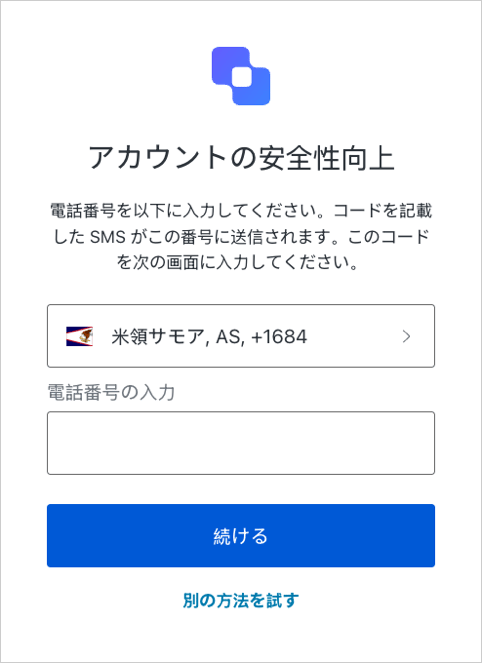
OTPを入力するよう求められると、以下のいずれかの画面が表示されます。
### サインアップ
 ### ログイン